 product
The whole CAE loop, in one window.
Naksha replaces the chain of separate pre-processor, solver front end, deck translator and results viewer with one fast desktop app for Windows.
Clean CAD, fast.
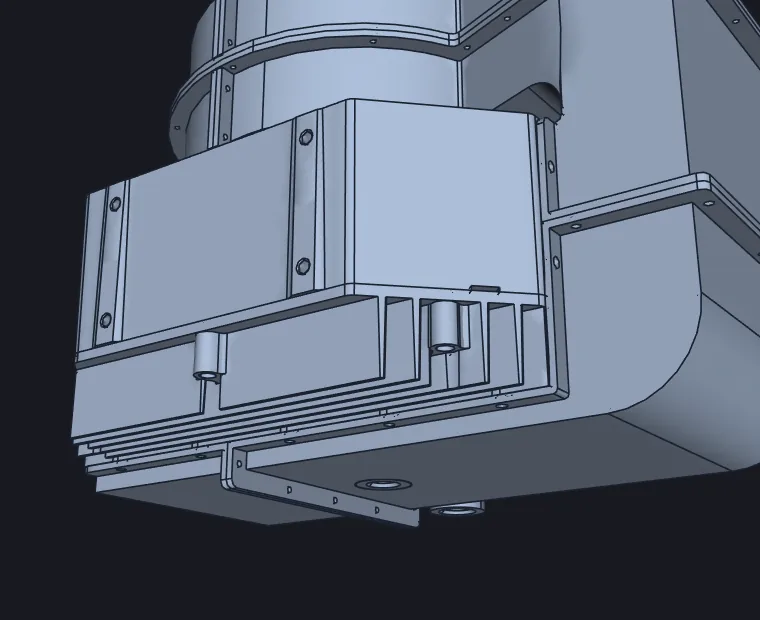
Bring in production CAD and get it ready to simulate without a round trip to the CAD system.
- Import STEP, IGES and BREP through OpenCASCADE, and STL or 3MF with weld and repair
- Defeature, booleans, push-pull, cut and slice
- Detect part-to-part connections across assemblies automatically
- Open and save PrePoMax (.pmx) projects
Every mesh you need, plus one you don't.
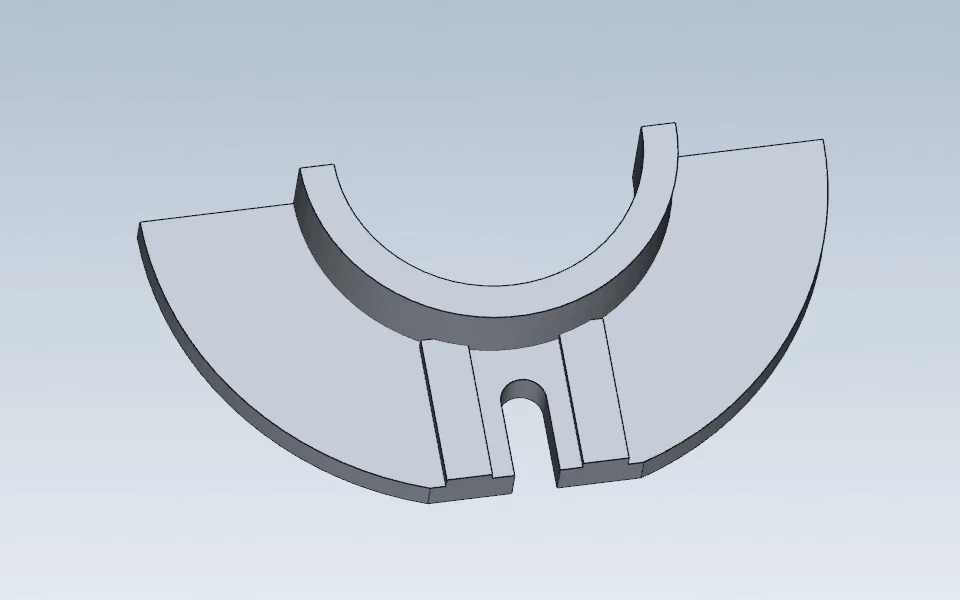
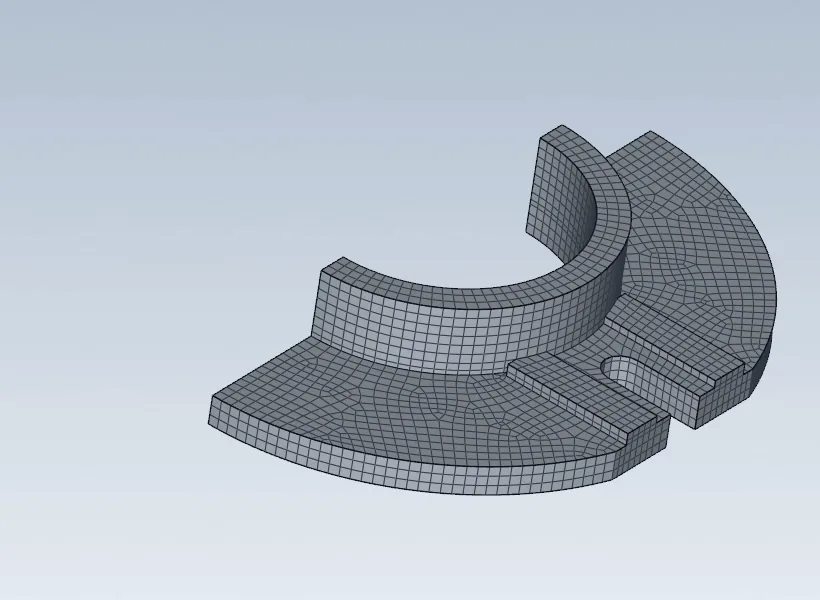
Use the mesh-free solver and skip meshing altogether. When you do need a mesh, the full toolkit is there.
- Linear and quadratic tets, transfinite and swept hexes, 2D, shell and membrane meshes
- State-of-the-art hex meshing and midsurfacing PRO: Effileap's learned hex mesher, a trained neural network, splits complex solids into hex-meshable blocks
- Standard midsurfacing, included in every plan
- Mesh-edit toolkit for local fixes and quality checks
- Materials, sections, contact, ties, rigid bodies, amplitudes, submodelling and cyclic symmetry
- Static, frequency, buckling, dynamic, heat transfer and coupled steps
- Topology and topography optimization
- Material library with 500+ cards in every plan, and the full 8,800+ cards PRO
Bring your solver. Or use ours.
Set up one model and send it to the solver that fits the job. Naksha writes the input deck, runs the open-source solvers locally and reads the results back in.
| Solver | Naksha | Typical use |
|---|---|---|
| Naksha mesh-free | Built in | Fast stiffness, stress and modal checks directly on CAD |
| CalculiX | Writes, runs, reads | General implicit FE: static, frequency, heat |
| Code_Aster | Writes, runs, reads | Advanced implicit structural and thermal analysis |
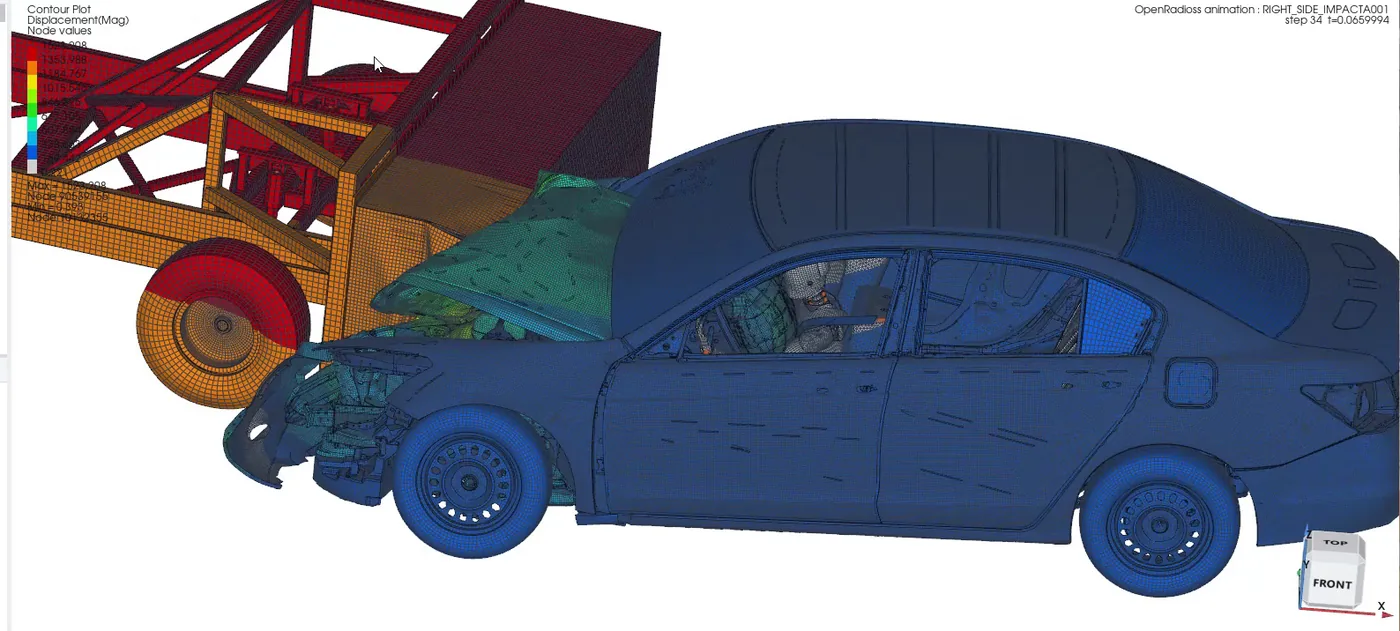
| OpenRadioss | Writes, runs, reads | Explicit dynamics, crash and impact |
| MoFEM | Writes, runs, reads | Research-grade, high-order FE |
| Abaqus (Standard / Explicit) | Reads & writes .inp | Exchange models with Abaqus teams; run Abaqus with your own licence |
| LS-DYNA | Reads & writes .k · reads d3plot · converts to OpenRadioss | Exchange crash models; run LS-DYNA with your own licence |
Naksha doesn't include or run Abaqus or LS-DYNA. It exchanges their file formats so you can work alongside them.
See it, measure it, share it.
A results viewer built for big models, with every view engineers actually use to review a result.
- Contours, deformed shapes, animation export to GIF or MP4
- Section cuts, probes, XY plots and CSV export, principal-stress arrows
- Safety factor and a custom-equation evaluator
- Side-by-side comparison of two results or two solvers
- Curve rating with ISO/TS 18571 and CORA, and head-impact checks such as UN R21
- HTML and PDF reports, plus interactive 3D result pages that open in any browser
Opens what your team already has.
Geometry
Models & decks
Results
Let an AI assistant drive the workbench.
Turn on the local agent link and an AI assistant can control the running app over the Model Context Protocol (MCP). It can open a model, apply loads, run a solve and report the results back to you.
- Runs on your machine only (localhost) and is off by default
- Anything destructive or long-running asks for your confirmation
- Also scriptable from the command line for batch runs
Illustrative session. Actual tools and timings depend on the model.
See it on your own model.
Book a 30-minute walkthrough. Bring a STEP file, an Abaqus deck or an LS-DYNA model.